
目前分類:ComicStudio 專區 (51)
- Nov 29 Tue 2011 21:13
輸出成CMYK的設定


- Mar 11 Fri 2011 08:00
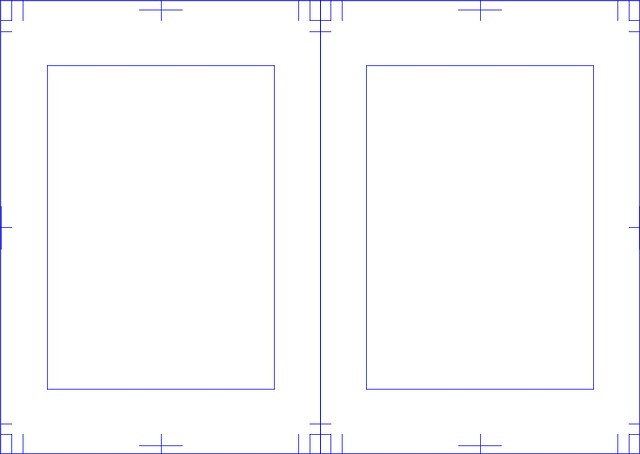
ComicStudio 4.5 的新功能(一)
- Mar 09 Wed 2011 01:00
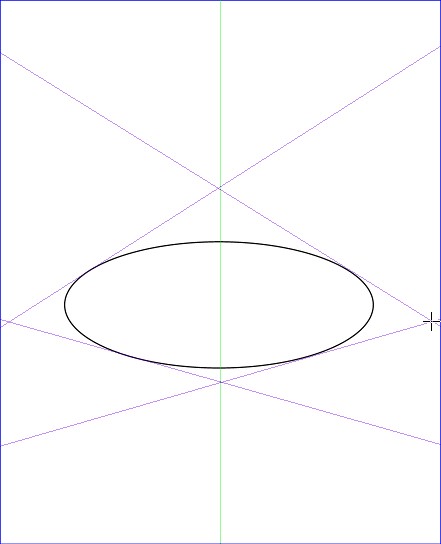
CS的3D功能應用(二)
- Jan 07 Fri 2011 13:04
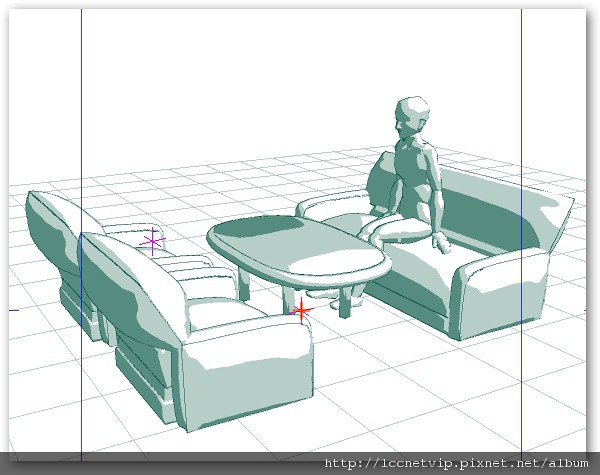
CS的3D功能應用(一)
- Dec 07 Tue 2010 16:15
玩出創意,設計屬於自己的筆刷!

- Nov 02 Tue 2010 11:25
小小選取工具大大好用


- Jul 12 Mon 2010 09:59
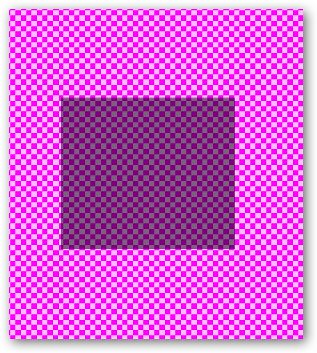
ComicStudio顏色透明度轉化的問題
- May 12 Wed 2010 00:55
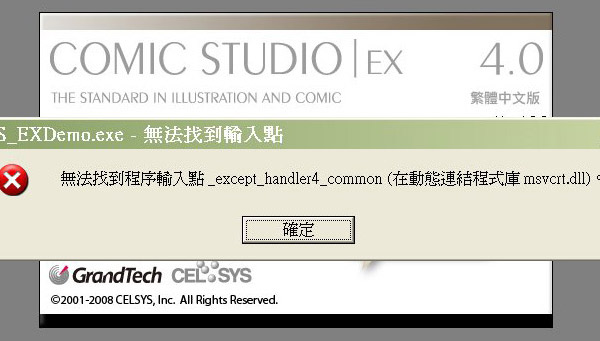
執行ComicStudio出現的錯誤訊息
- Apr 14 Wed 2010 10:03
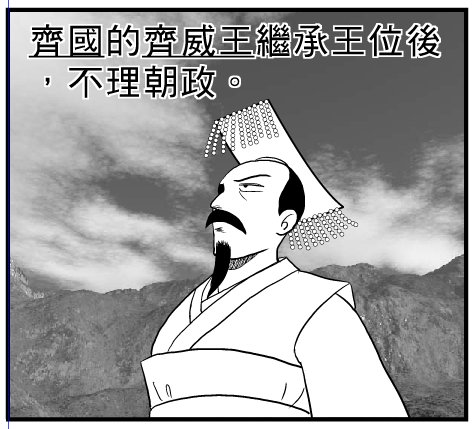
ComicStudio的筆刷應用
- Apr 10 Sat 2010 12:40
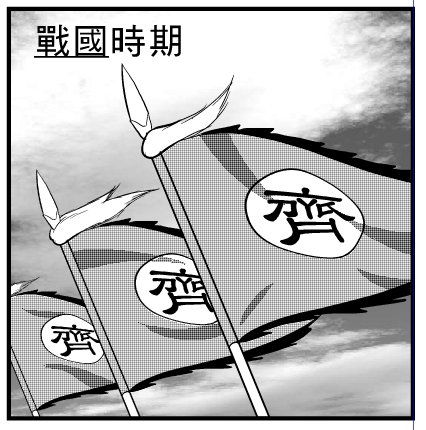
ComicStudio的文字變形
- Apr 04 Sun 2010 10:34
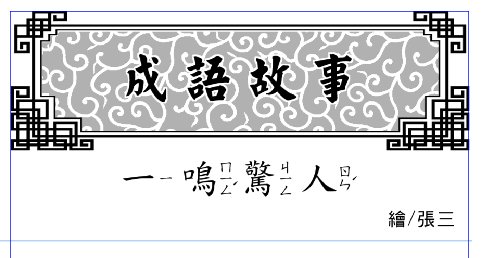
ComicStudio的破音字修正
- Dec 16 Wed 2009 11:36
CS圓角格框線的製作方法

- Oct 08 Thu 2009 15:22
ComicStudio的各種版本
在網路上看到有人整理出來
- Aug 06 Thu 2009 16:03
CS4使用者手冊下載

- Jun 11 Thu 2009 15:36
ComicStudio4.0繁體中文版上市囉

- Jan 08 Thu 2009 10:11
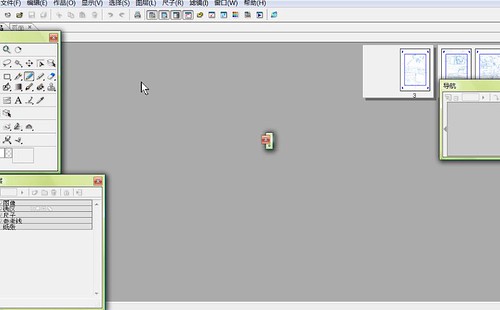
工具選項的面板怎麼變小了!


 漫畫軟體專區 (4)


